

1 - Setup the specific InfoFields
Select menu->System ->Layout Infofields
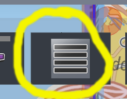
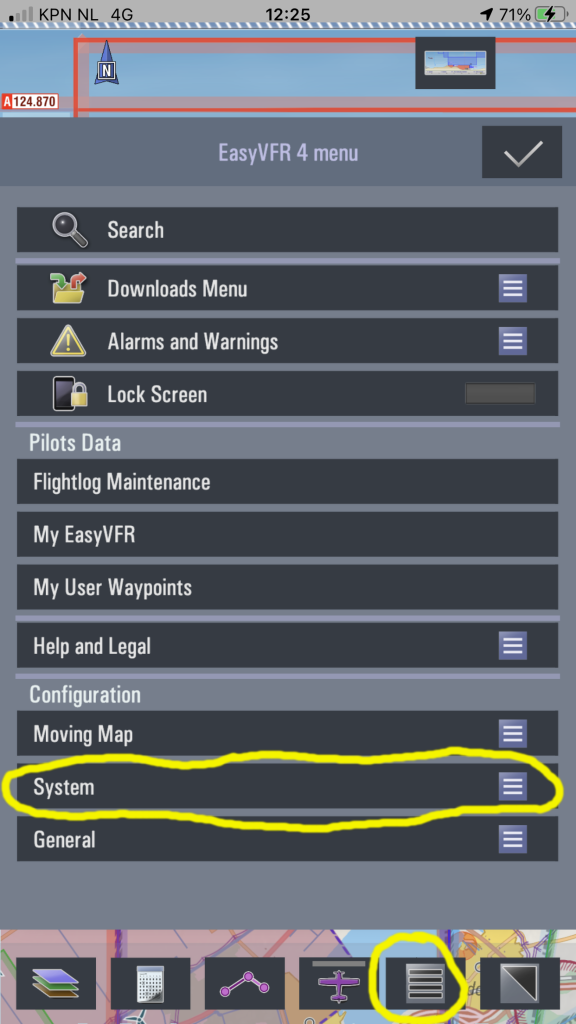
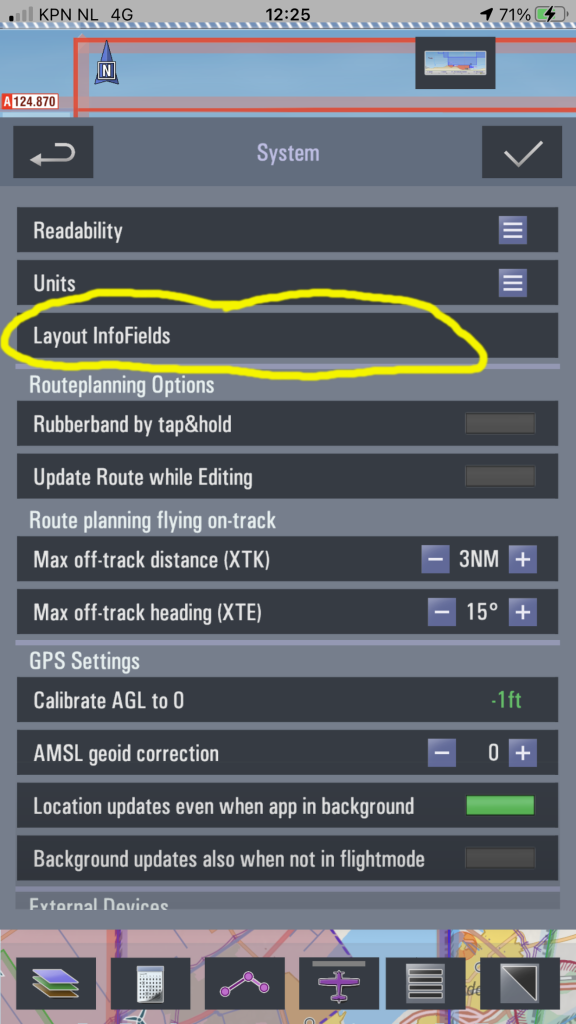
Tap&hold on the central [+] button, and drag it to a convenient location:
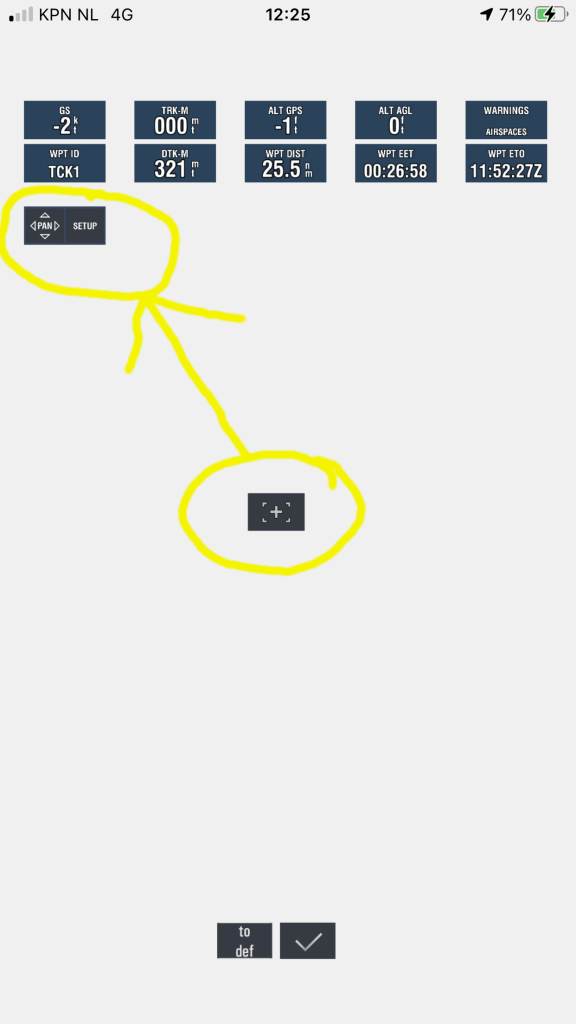
Tap on the right side of the dragged button (where it lists [SETUP]). Now a dropdown with InfoField options is shown. Scroll down until you can select [Electronic conspicuity Device Status]; a second InfoField can later be set-up to set [GPS status]:
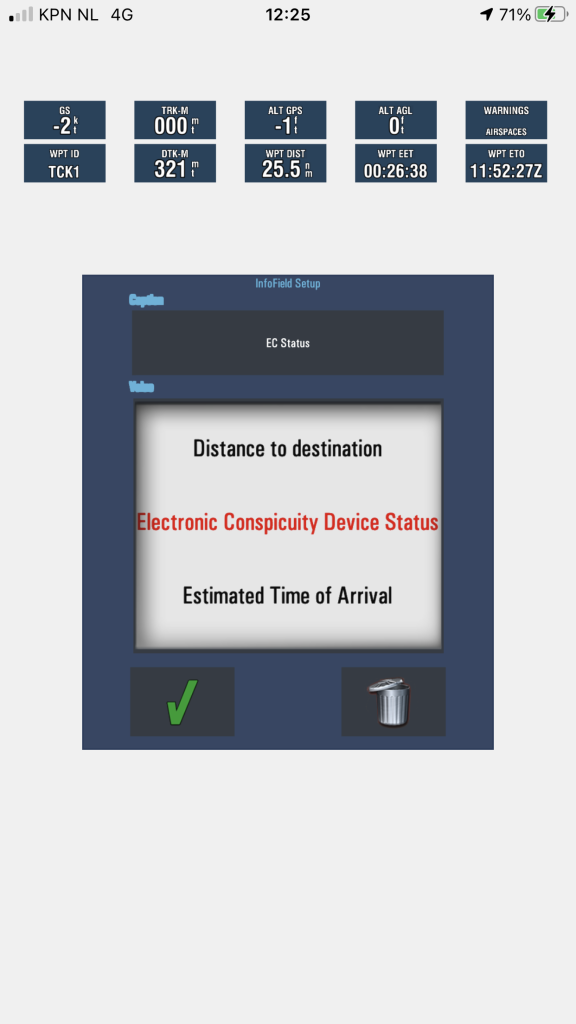
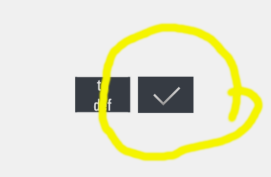
Tap on the Green OK checkmark, then tap on the [OK] button to exit the InfoFields setup screen

2 - Check the GPS FIX and Traffic reception
Now enable FlightMode

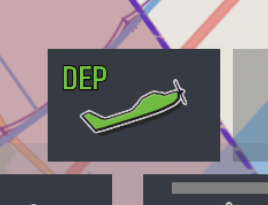
The EC Status InfoField now uses color coded status information:
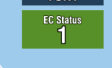
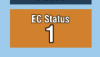

When the last traffic update has been received less than 5 seconds ago the InfoField will be coloured green. If the last traffic update is received between 5 and 10 seconds ago, the InfoField is coloured amber. If the last traffic update is received more then 10 seconds ago the InfoField is coloured red.
The numerical value in the InfoField represents the number of targets EasyVFR4 has received data for. Note this is the unfiltered count; depending on your set filters (menu->system->Electronic Conspicuity Settings) much less aircraft can actually be shown on the map.