

EasyVFR App and Avionics Data Knowledge base

Is your question not covered yet? Contact us and we will help you personally.

🪪 Administration - Licensing, Billing & Account

How can I see if my license is valid?

Last updated on 12 Jan, 2026

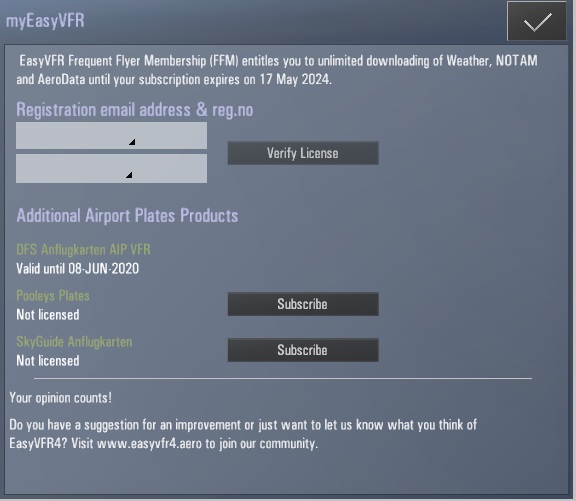
In the EasyVFR app you can go to [EasyVFR 4 menu]-> [myEasyVFR]. Here you see the status of your licenses. EasyVFR will update the status of your license automatically after a renewal, upgrade or purchase. You can force the status update, by tapping [Update all Data]in the Download menu.
Image


Was this page helpful?
Previous

Whitelist email: Why did I not receive an email from PocketFMS / EasyVFR 4?

Next